
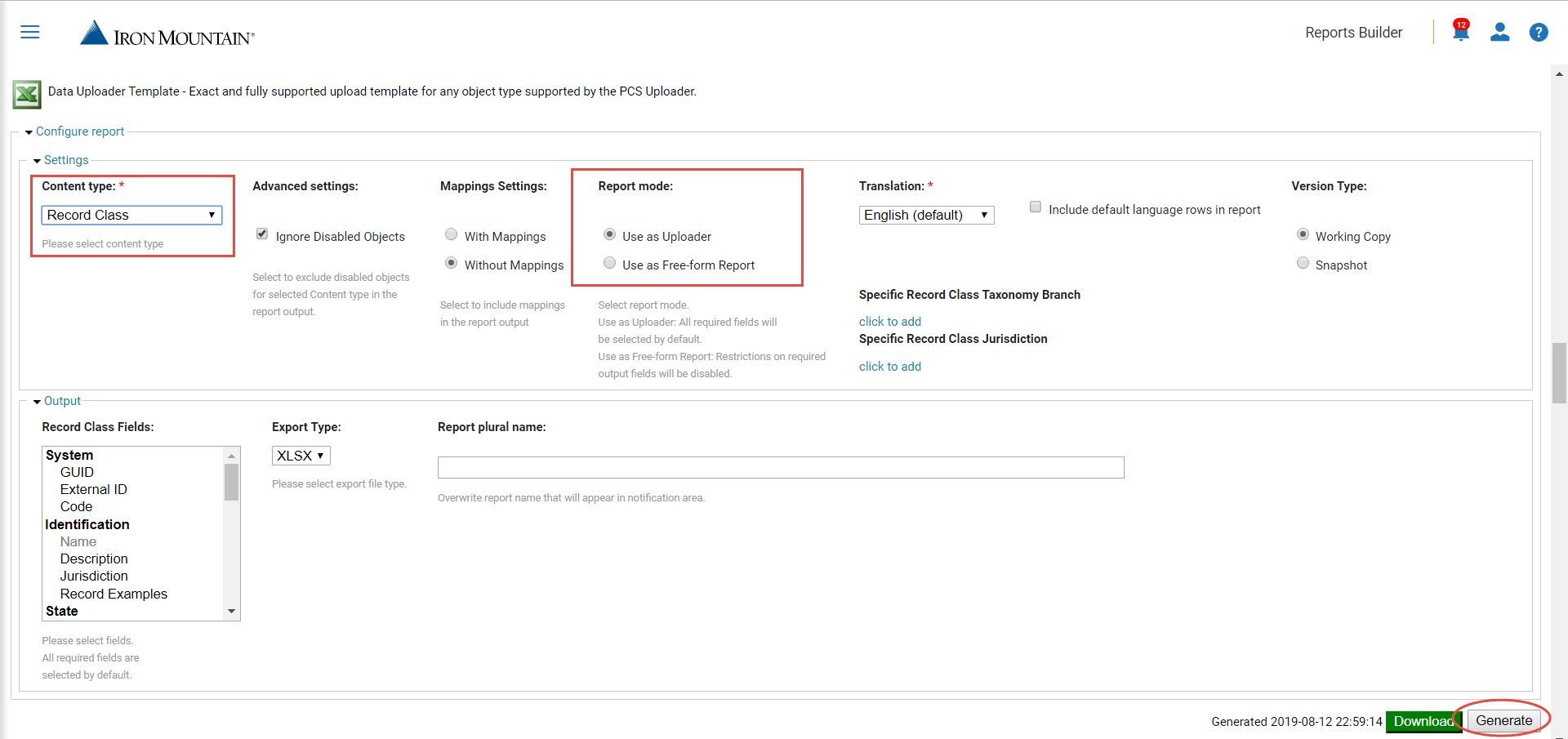
1. Configure and generate the Data Uploader Template report. The Report mode should be set as Use as Uploader.
! Include the field Code or Guid.
2. Enter the * sign in the Delete column.

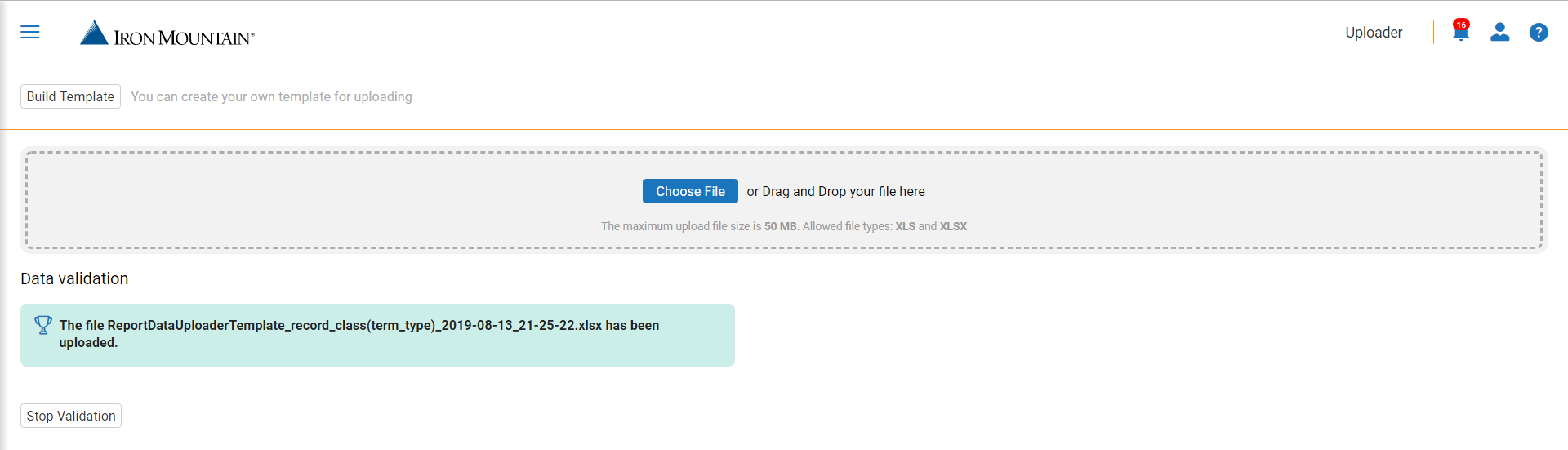
3. Click the Choose File button and select the file to upload from your computer. In the Open dialog, select the file on your computer and click the Open button.

4. Specify whether you want to validate file only without loading or validate and load it at once by clicking the Validate Data or Upload Data buttons.
5. Within the validation process the data in the template will be checked and the references to incorrect data will be given.

6. When the objects are deleted, the success message will appear.
Comments
0 comments
Article is closed for comments.