
You can choose how to display retention objects in the Retention Schedule. As well it works for library pages.
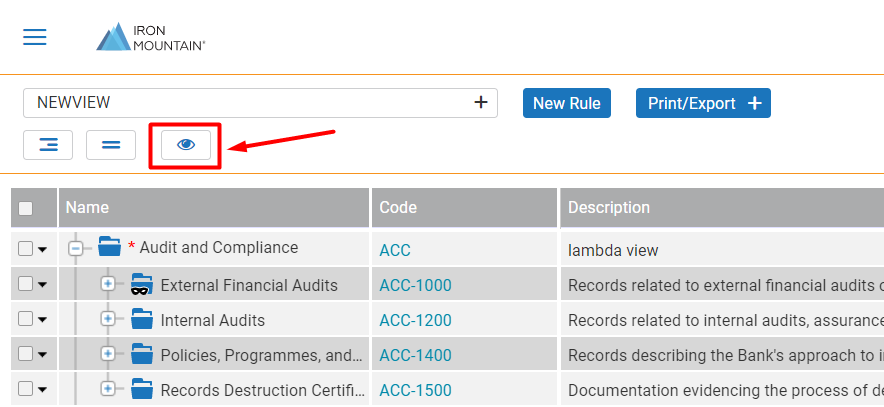
1. To customize the sorting, click the  icon above the TreeGrid control.
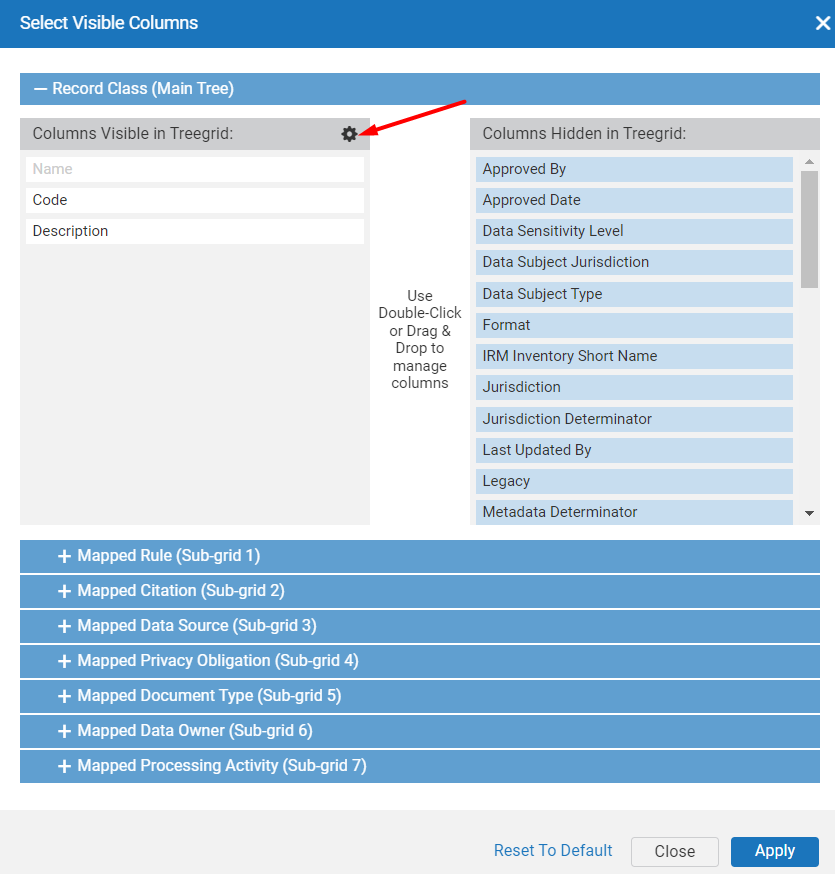
Choose the needed content type and click on the gear icon to proceed with sorting customization.
Then you will be able to configure alphabetical sorting (increasing or decreasing order) and set which field will be driving for sorting. For each retention object, there are corresponding fields available.
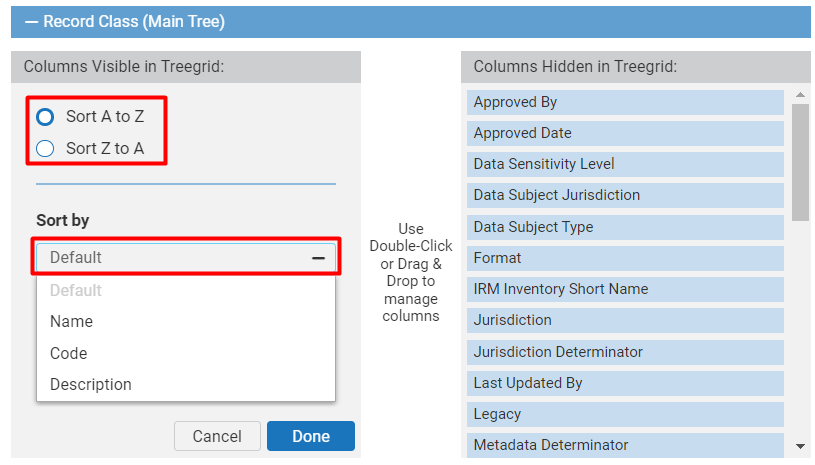
Once the parameters are set, click Done and Apply.
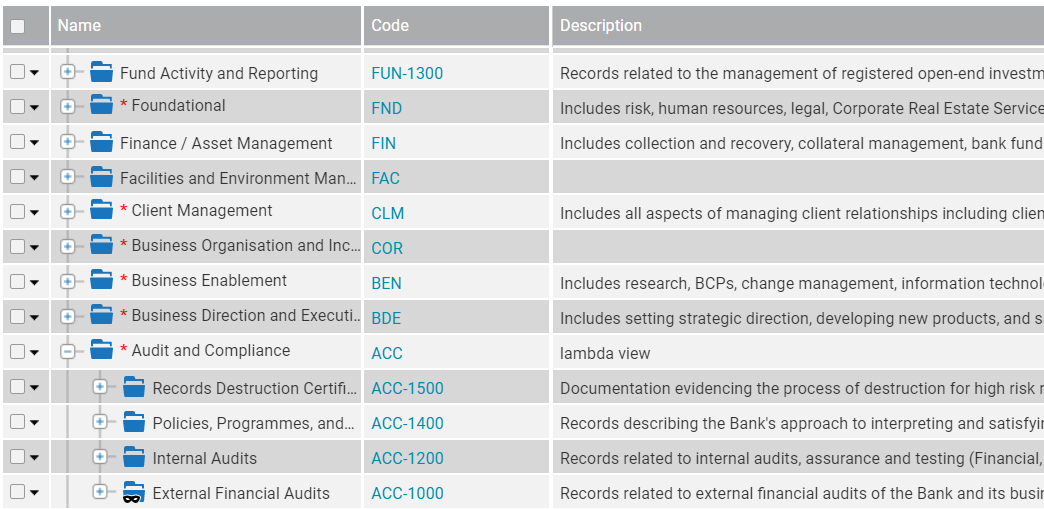
For example, Record Classes are sorted from Z to A by Name.
Comments
0 comments
Article is closed for comments.